Performance presets
Sodium, Lithium, FerriteCore and friends, resolved live for your exact version - anything without a build is skipped and listed, never forced.
Minecraft, without the weight. Gravity is a lightweight launcher for Minecraft: Java Edition, made alongside DGNetwork. One click sets up the performance mods for your exact version, Modrinth is built in, and everything Gravity adds stays on your screen - never in your opponent's way.
No account to create · no store · no ads
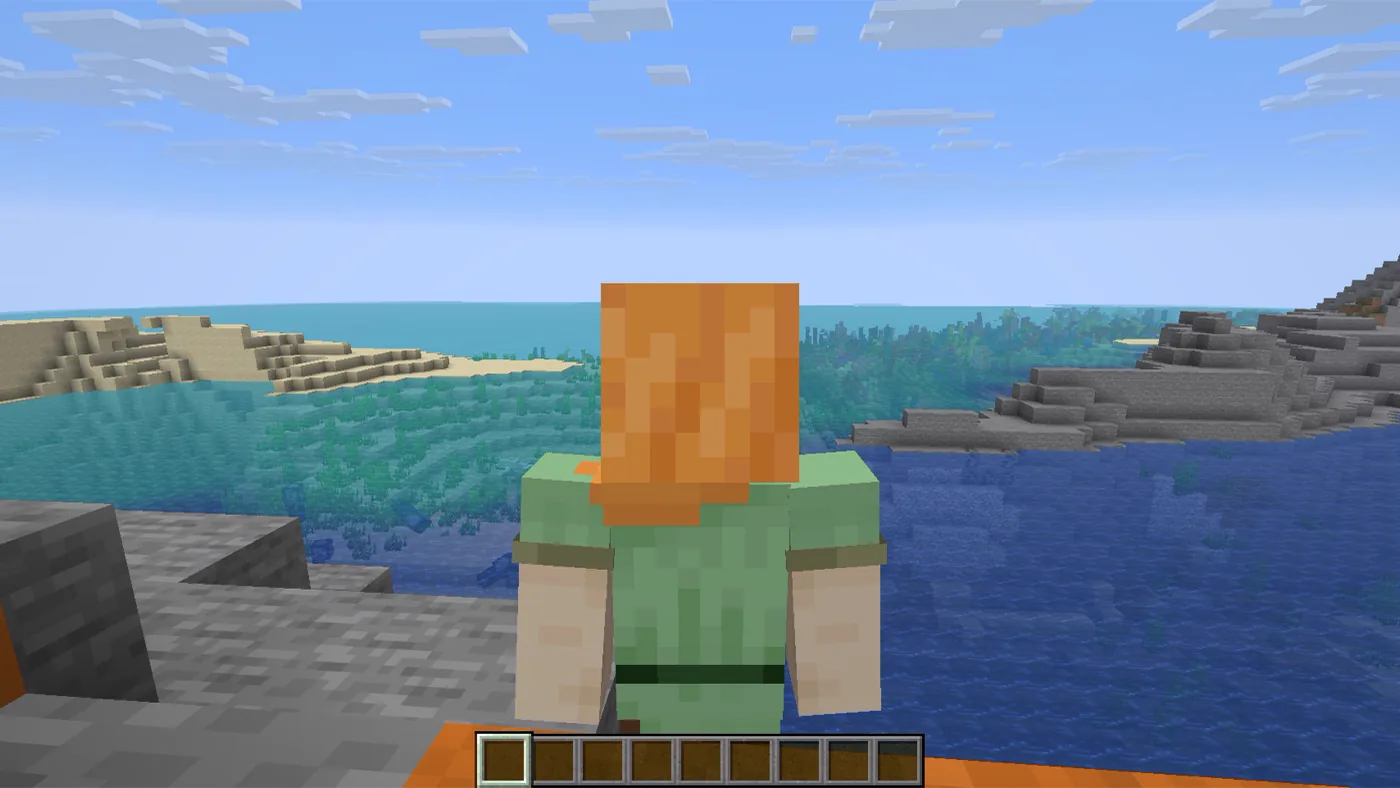
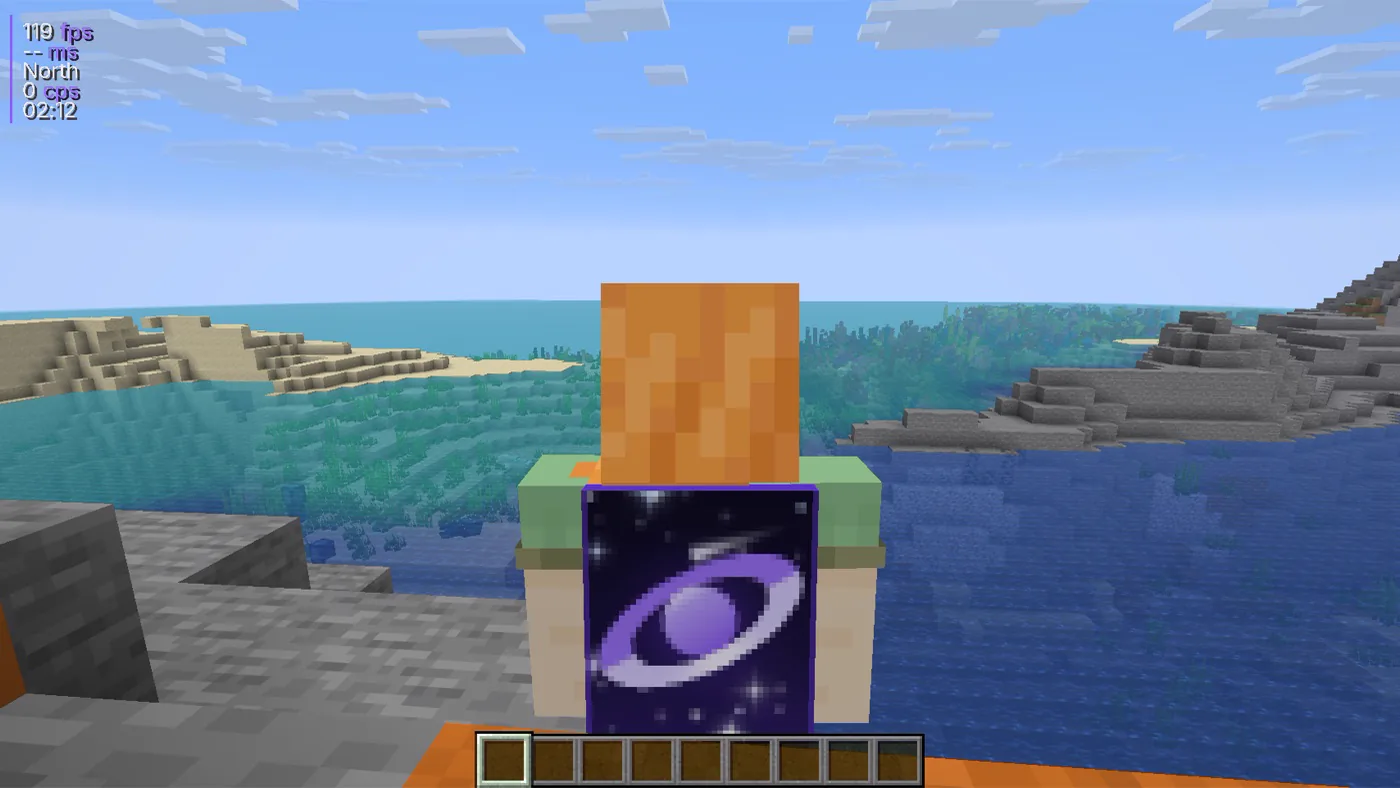
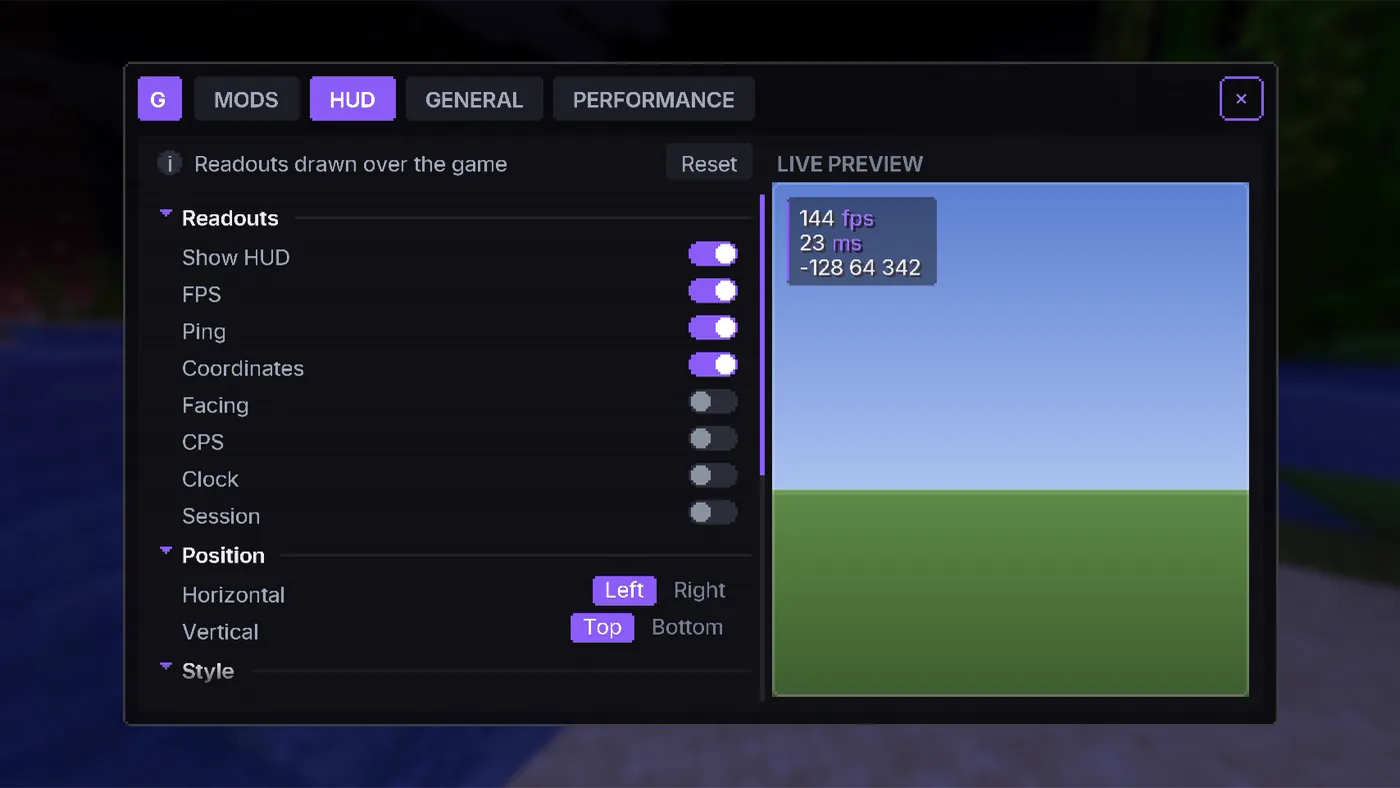
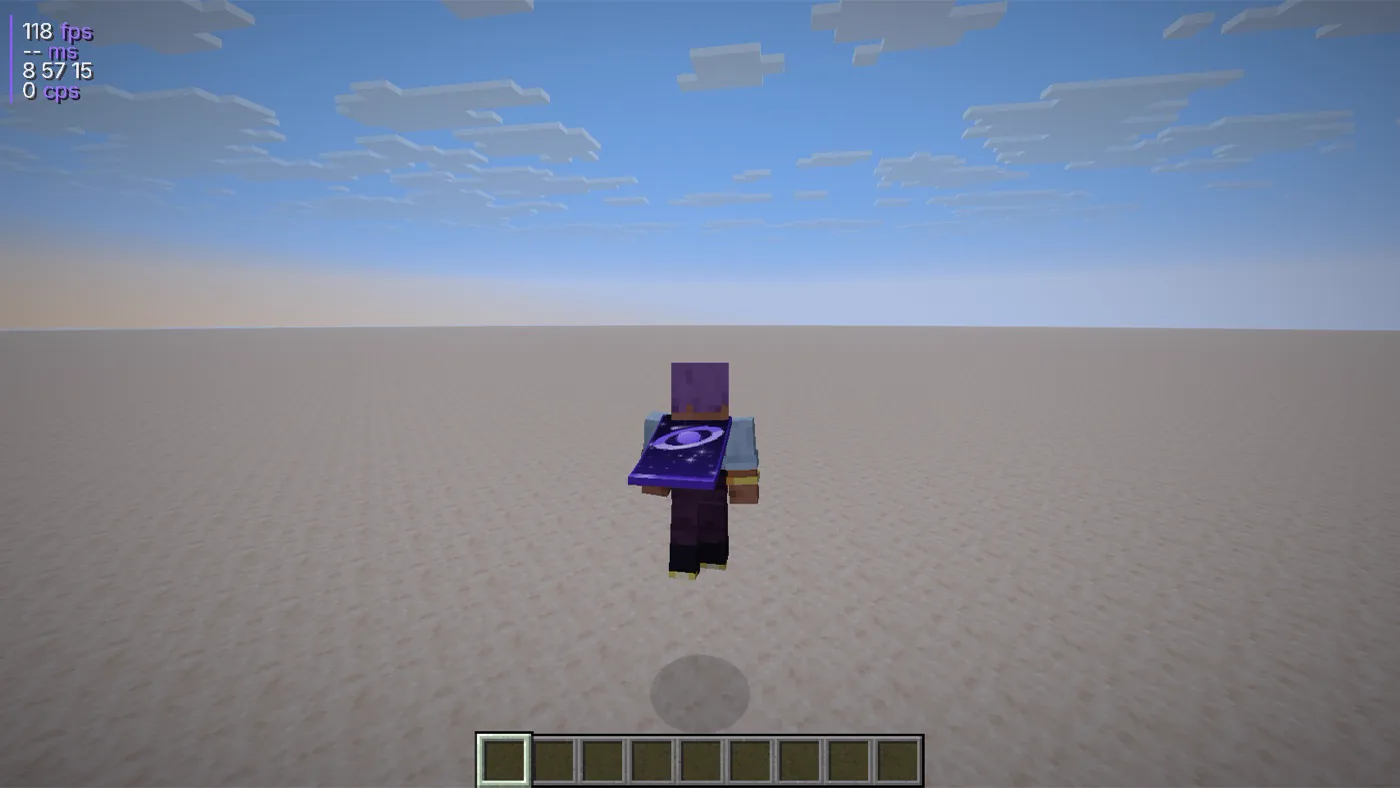
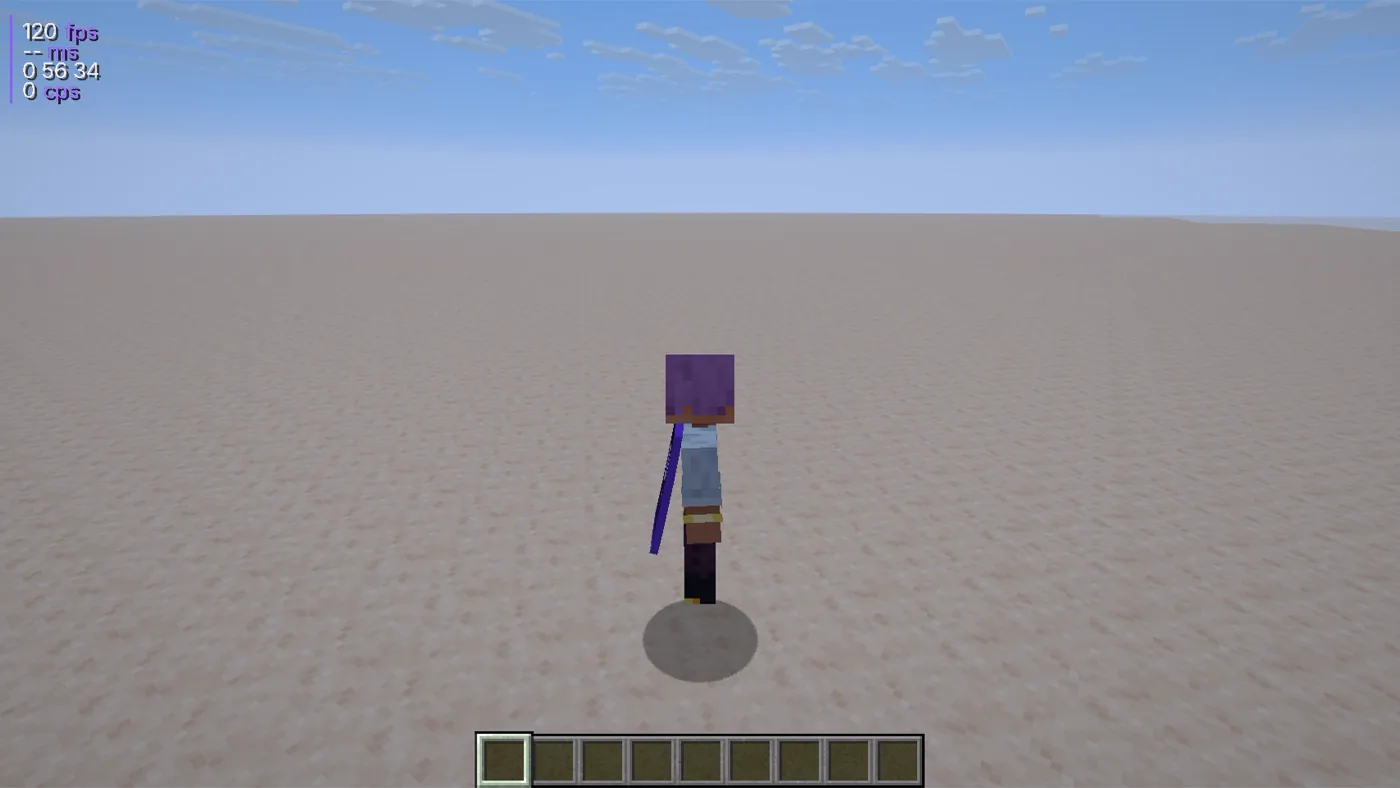
One world, one frame, captured twice in game. Drag across it: Gravity adds the readouts and the cape - the world itself is untouched.
 Gravity
Vanilla
Gravity
Vanilla
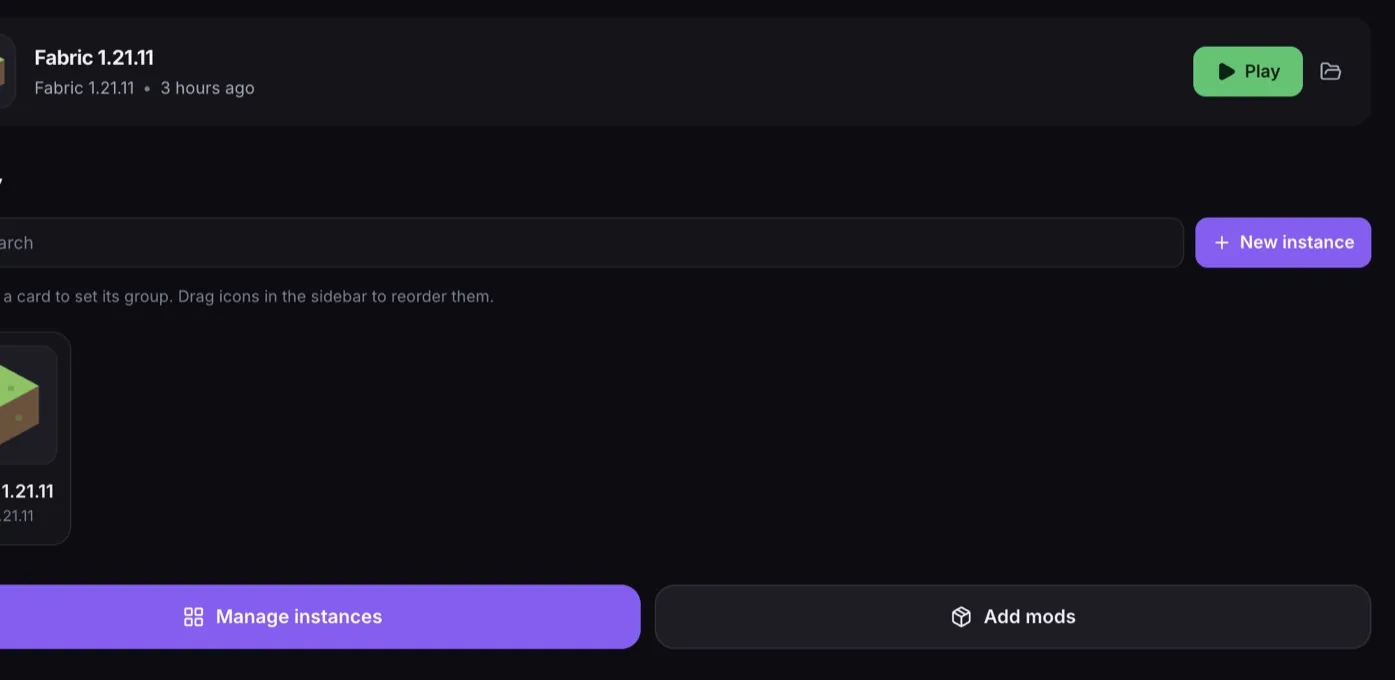
Pick a version, press Play. Gravity downloads the game, the right Java and the mods - and stays quiet while you play.
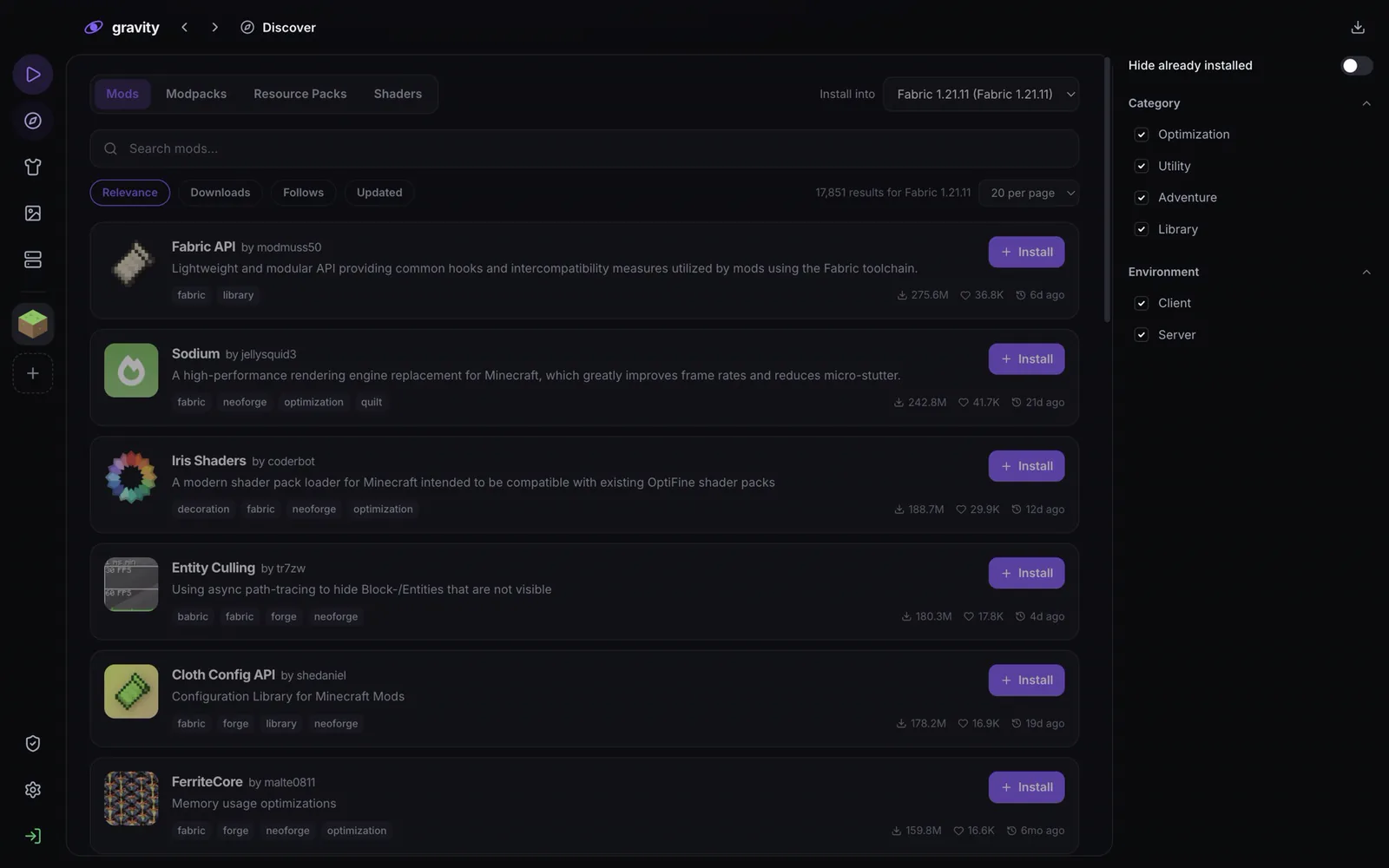
Sodium, Lithium, FerriteCore and friends, resolved live for your exact version - anything without a build is skipped and listed, never forced.
Search mods, modpacks, resource packs and shaders. Pick exactly which version of a modpack to install.
Every instance keeps its own version, mods and worlds. A modded world can't break the one you play on servers.
Import from Prism, MultiMC, CurseForge or the Modrinth app. Your worlds, mods and settings are copied - the original stays untouched.
Java 21 for 1.21.x, Java 25 for 26.x - downloaded from Mojang for each version. Nothing to install yourself.
Memory is sized to what the game actually uses, the frame rate isn't capped for you, and quitting takes under a second.
Jump back into your last instance from the home screen, organise the rest into groups, and drag them into the order you like.
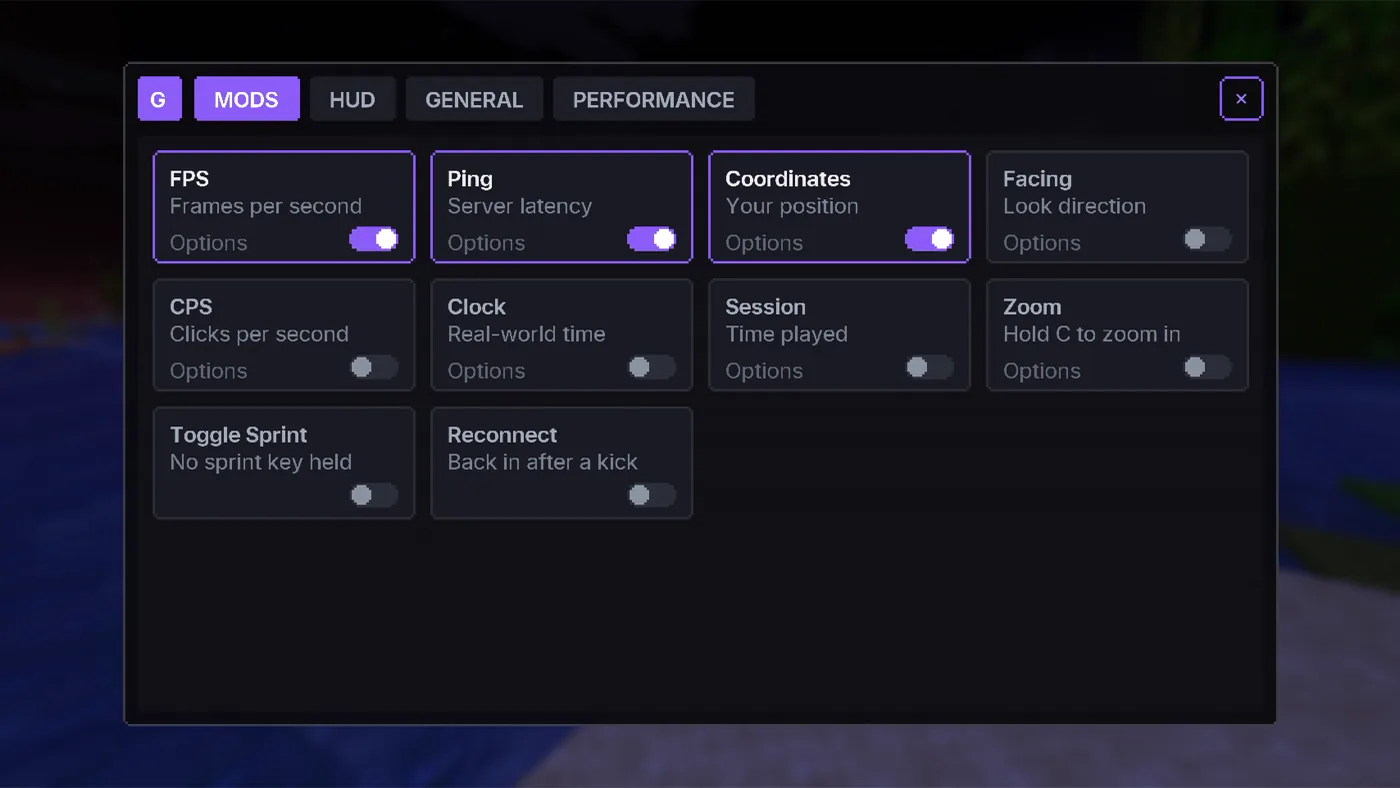
Press Right Shift in game. Every mod Gravity adds is a card with its own switch - and every one starts off, so nothing appears until you want it.
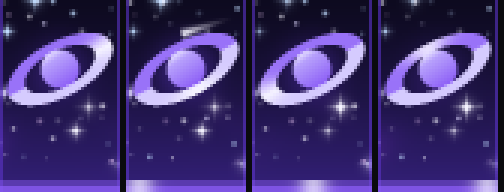
The Gravity cape is free for everyone - switch it on and every other Gravity player sees it. Light orbits the ring, the stars twinkle, a comet crosses the sky, and the cloth ripples as you move.
Gravity grew up with DGNetwork, and we're the featured server in the launcher - on the home screen, one click from playing. Like any featured entry it's labelled as one, and you can remove it.
DGNetwork Featured
Survival · Games · Practice · BedWars
play.dgnetwork.in
Open Gravity and it's already in your server list.
Gravity is built so there is nothing worth stealing and nothing that gets you banned.
You sign in on Microsoft's page, not ours. Gravity never sees your password, and your sign-in is kept in your system's own keychain on your device.
No extra reach, no automation, no seeing players through walls. Everything Gravity adds is drawn on your screen only - see our allowed mods.
Usage stats are a switch in Settings. IP addresses are never stored. Everything that leaves your machine is listed in the privacy policy.
Yes, completely. There is no paid tier, no store, no ads and nothing to buy - including capes.
Yes. Gravity launches Minecraft: Java Edition, and you sign in with the Microsoft account that owns it.
Java Edition 1.21 through 26.3, on Fabric. Gravity downloads the right Java for each version on its own.
Gravity adds nothing that gives an advantage - no reach, no automation, no X-ray. Readouts, zoom and capes are drawn on your screen only, and it's on our allowed mods list. Other servers may have their own rules about client features; every Gravity feature is off until you switch it on.
Gravity isn't signed with a paid Apple developer certificate yet. Right-click the app and choose Open, then Open again - macOS remembers your choice. On Windows, SmartScreen may ask once; choose More info → Run anyway.
macOS on Apple Silicon (M1 and later) and 64-bit Windows 10 or 11.
Yes - Create instance → Import instance reads folders from Prism, MultiMC, CurseForge and the Modrinth app. Everything is copied; your original setup is left as it is.
Free, for macOS and Windows. On Windows updates install themselves; on macOS, Gravity tells you when one is ready.
Latest release on GitHub
Gravity privacy policy · Terms of use
Not an official Minecraft product. Not approved by or associated with Mojang or Microsoft.